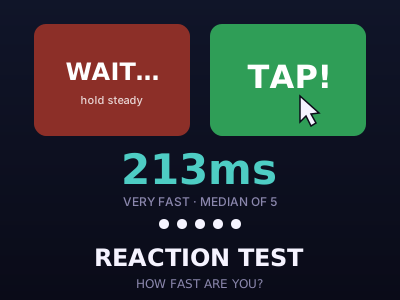
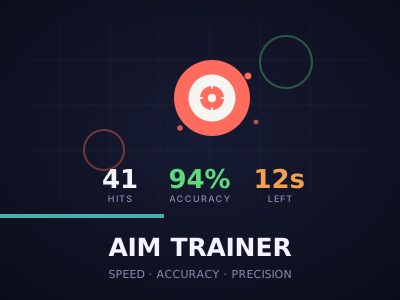
A reaction-time test is simple: wait for the screen to change, then respond as quickly as you can. The number that comes back is satisfying, but what does it actually measure, and how can you improve it? This guide explains what happens between seeing a signal and tapping, why your results vary and what you can do to improve your reaction speed and aim, using the Reaction Test and Aim Trainer games on OnlinePlayZone.
What is happening in those few hundred milliseconds
Your reaction time is the total of several small delays. Light from the screen has to be detected by your eyes, the signal is carried to the brain, the brain recognises the change and decides to act, and a command travels to your muscles. Then your finger moves, and the device registers the tap. For a simple visual signal many people respond in around 200 to 300 milliseconds, and some are quicker. Some of the delay belongs to the equipment: screens take time to update, and touch screens and mice add a small amount of lag.
Why your score changes
Reaction time is not a fixed number. Tiredness, distraction, stress, caffeine and even how hard you concentrate shift it from moment to moment. A screen with a higher refresh rate shows the change slightly earlier, and a wired mouse often responds faster than a wireless one or a touch screen. That is why a single result is a weak guide, and why it is better to average five or more attempts.
Anticipation versus reaction
In a test where you wait for a colour change at an unpredictable time, it is tempting to guess. If you tap too early, the game records a false start. Real reaction means waiting for the signal and then reacting, not predicting. Training yourself to relax, keep your finger ready and react to what you see, not what you expect, improves reliability.
How to improve
- Warm up. A few trial attempts before you count any scores help your attention settle.
- Rest. Reaction speed drops when you are tired. A short break often helps more than extra practice.
- Use a responsive setup. A clean screen, a wired mouse or a fast phone make a measurable difference.
- Stay relaxed. Tense muscles are slower. Keep a light grip and a steady breath.
- Practise regularly. Short, frequent sessions improve consistency.
Aiming: speed and accuracy together
Aim training adds a second skill: moving to a target and hitting it. In the Aim Trainer, targets appear at random places, and the score depends on how quickly and accurately you hit them. There is a trade-off between speed and accuracy. If you rush, you miss; if you take too long, you lose time. The best approach is smooth and deliberate: move toward the target in one motion, adjust slightly, and click. Misses count against your accuracy, so spraying clicks does not help.
Tips for the aim game
- Keep your eyes on the target, not on your cursor or fingertip.
- Choose a comfortable size first and then move to smaller targets as you improve.
- On a touch screen, rest your hand on the table so that your finger does not wander.
- On a computer, adjust your mouse sensitivity so that your whole arm moves for long distances and your wrist for short ones.
Games that train both
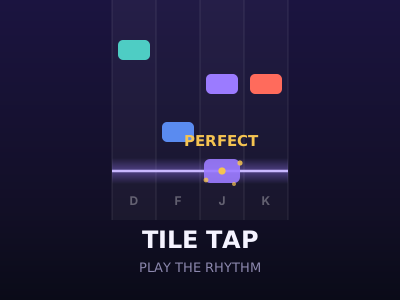
Fast reaction and accurate touch are also useful in action games such as Tile Tap and Blade Master. These games reward quick decisions, and they are a good way to practise under mild pressure. Keep sessions short and enjoyable, and remember that the goal is to have fun while getting a little sharper.
Setting up a fair test
To compare results over time, keep conditions the same. Use the same device and browser, sit comfortably, and take at least five attempts in a row. Ignore the very first attempt, which is often slow because you are still settling, and ignore any obvious false start. Then look at the average and the spread. A player whose attempts range from 230 to 260 milliseconds is more consistent than one who ranges from 190 to 400, even if the best single result is better.
If your results seem slow
Before blaming your reflexes, check the equipment. A phone in battery-saver mode can reduce screen refresh and touch responsiveness. A busy browser with many open tabs adds delay. Wireless mice and some televisions used as monitors add lag of their own. A fresh page load on a plain browser window gives a fairer reading.
A note on everyday life
A browser reaction test is a game, not a medical or safety assessment. It says nothing about whether you are fit to drive or operate machinery, and a good score does not mean you should skip caution in the real world. Use it for fun, for practice and for friendly competition.
Frequently asked questions
What is an average reaction time?
For a simple visual stimulus, many people respond in about 200 to 300 milliseconds. Your result also includes delays from your screen and input device.
Why do my results change from test to test?
Attention, tiredness, practice and device lag all affect the result. That is why averages of several attempts are more useful than a single result.
Can I improve my reaction time?
You can improve consistency and decision speed with practice, rest and a responsive device, although there are biological limits to how fast anyone can react.